Keep the reader in control
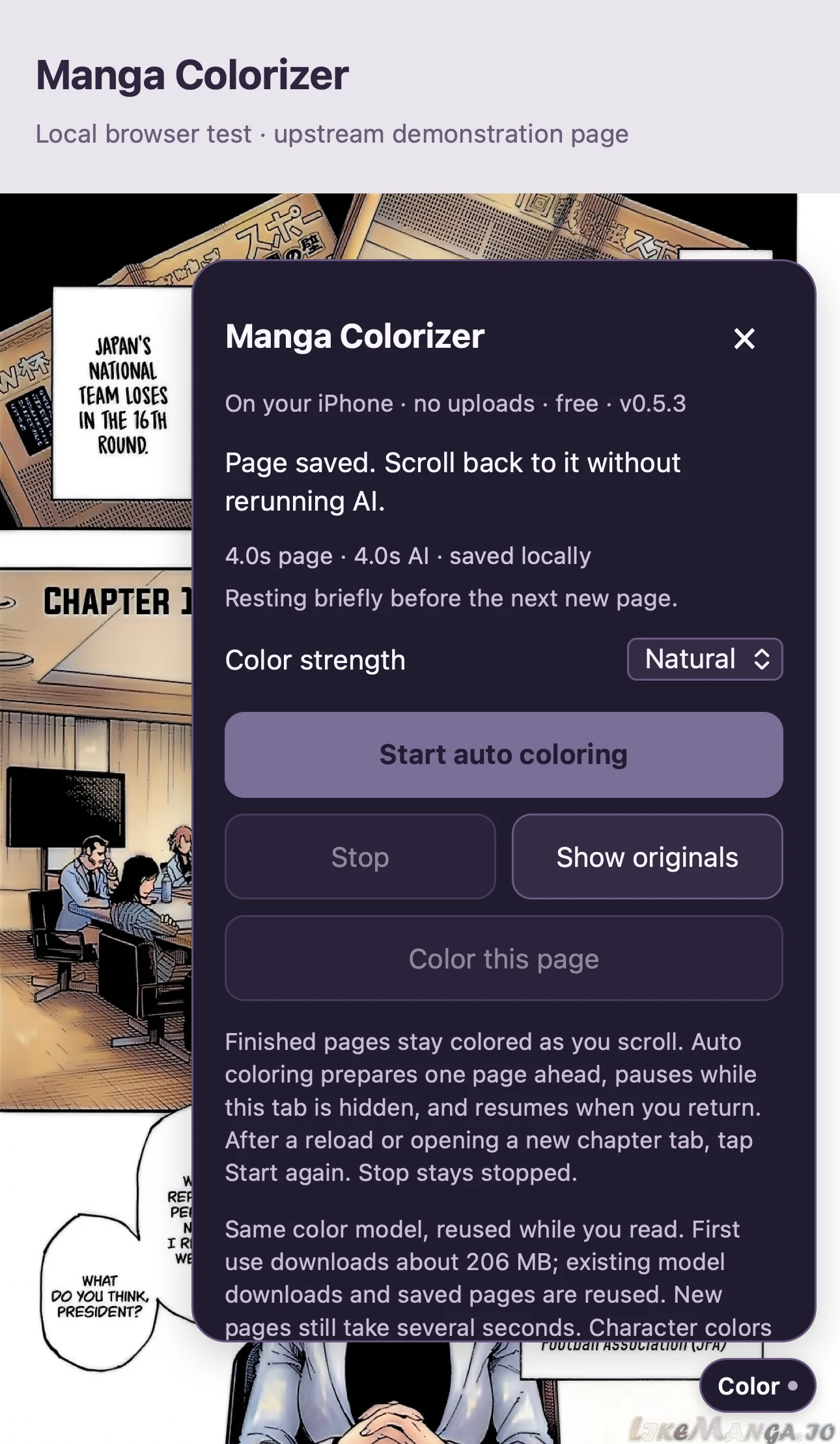
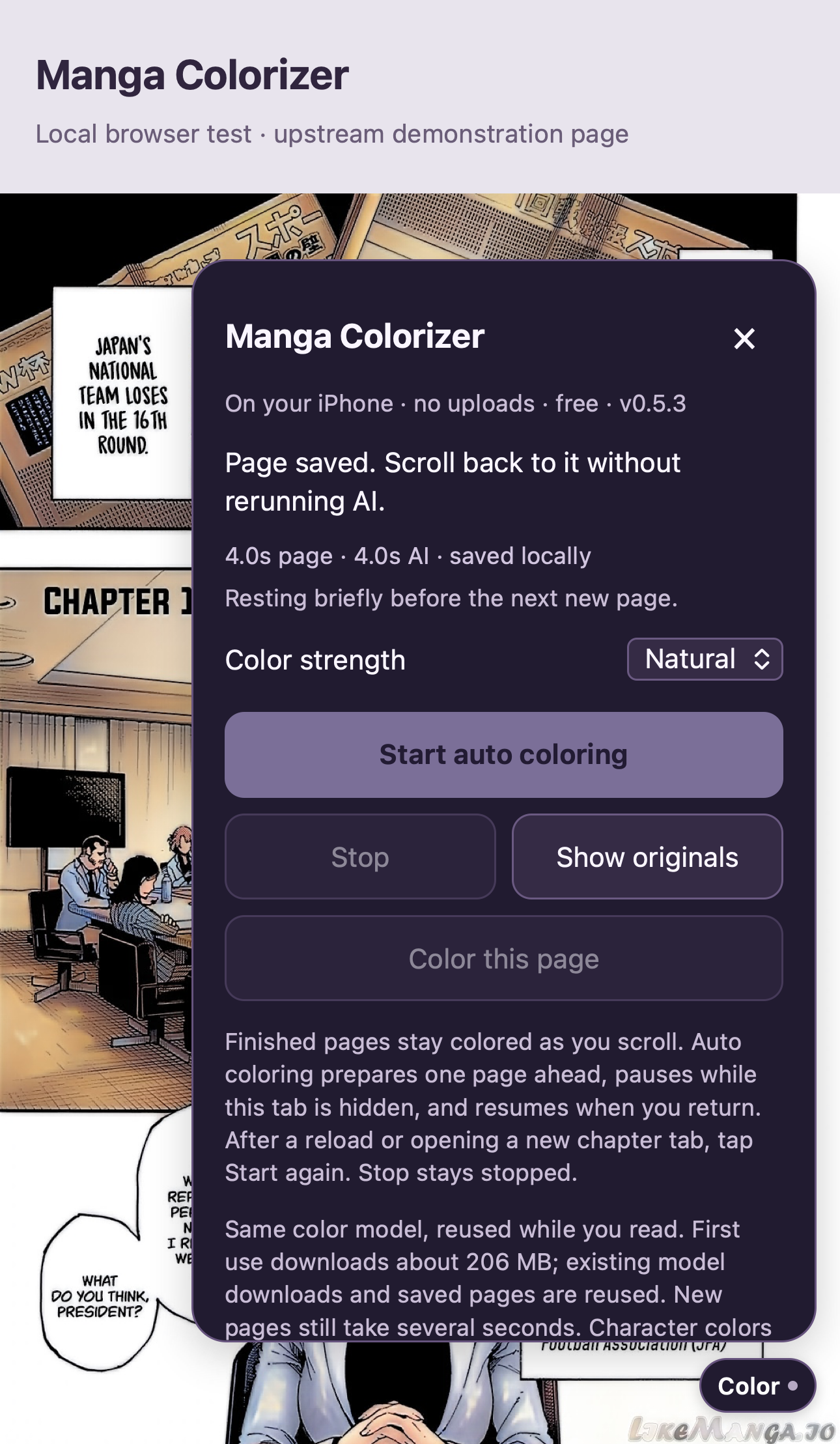
A compact control panel starts or stops coloring, adjusts color strength, and restores the original pages.
SAFARI EXTENSION / PROJECT FILE
A Safari extension prototype that adds color to manga as you read, processes artwork on your device, and lets you return to the original page.
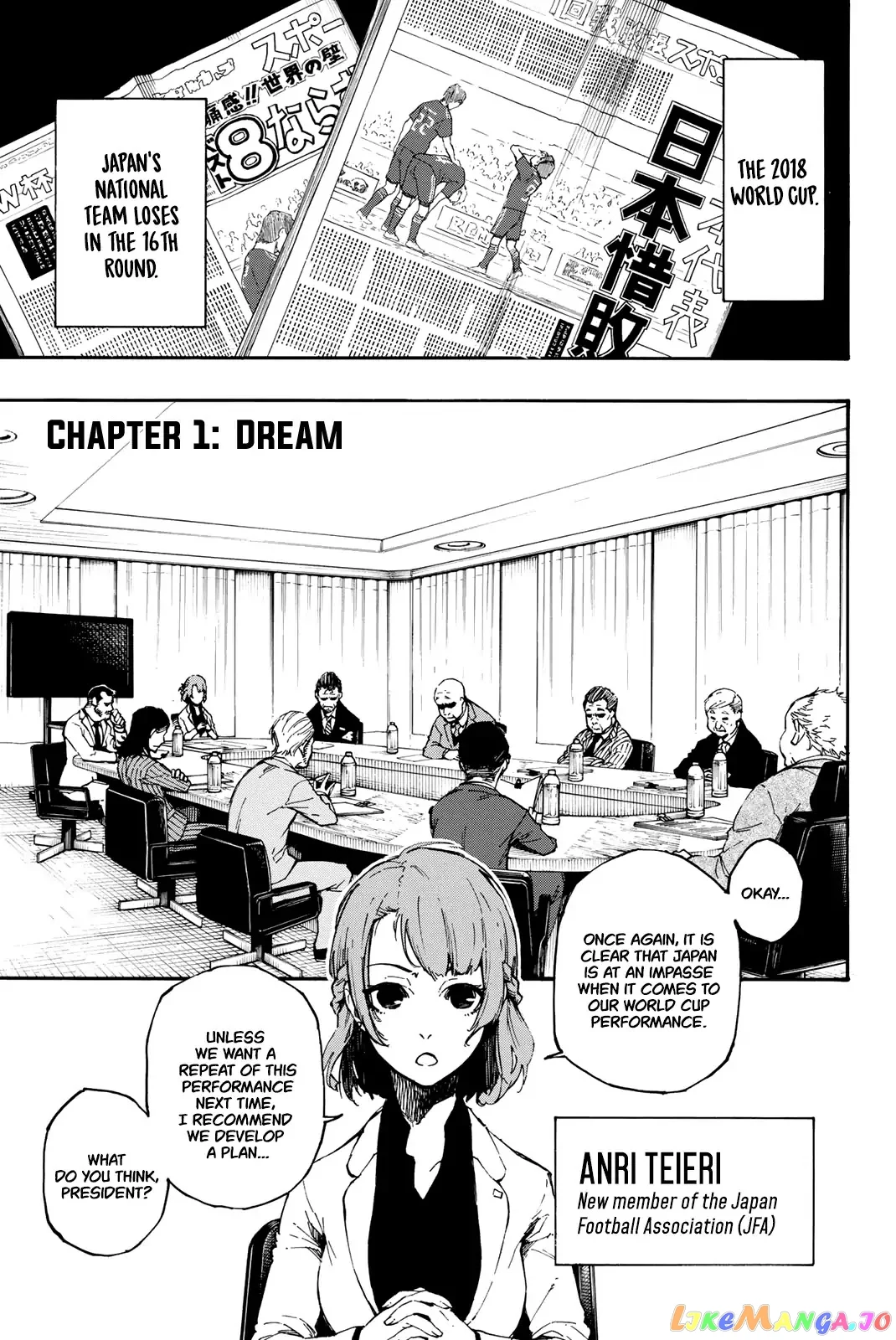
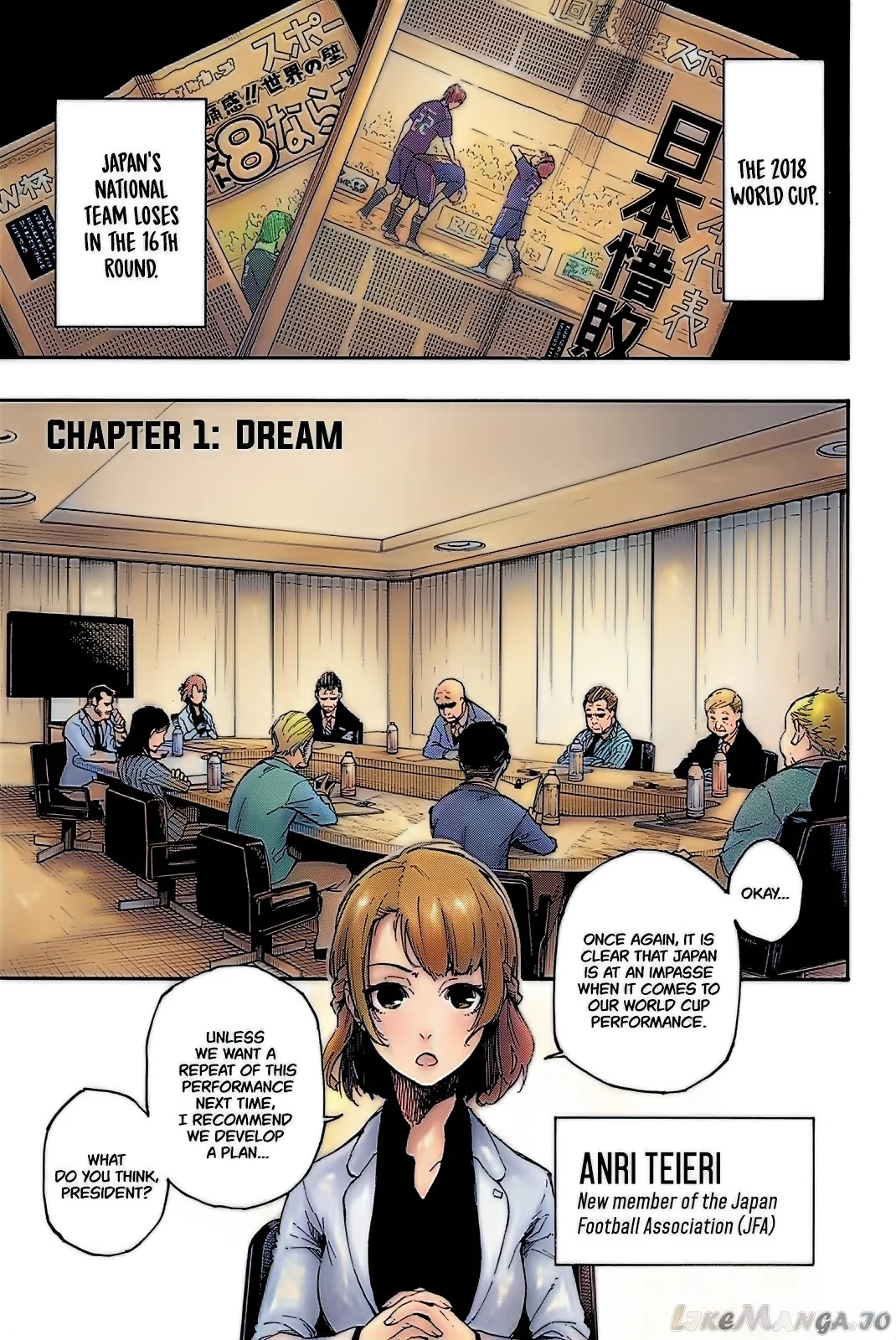
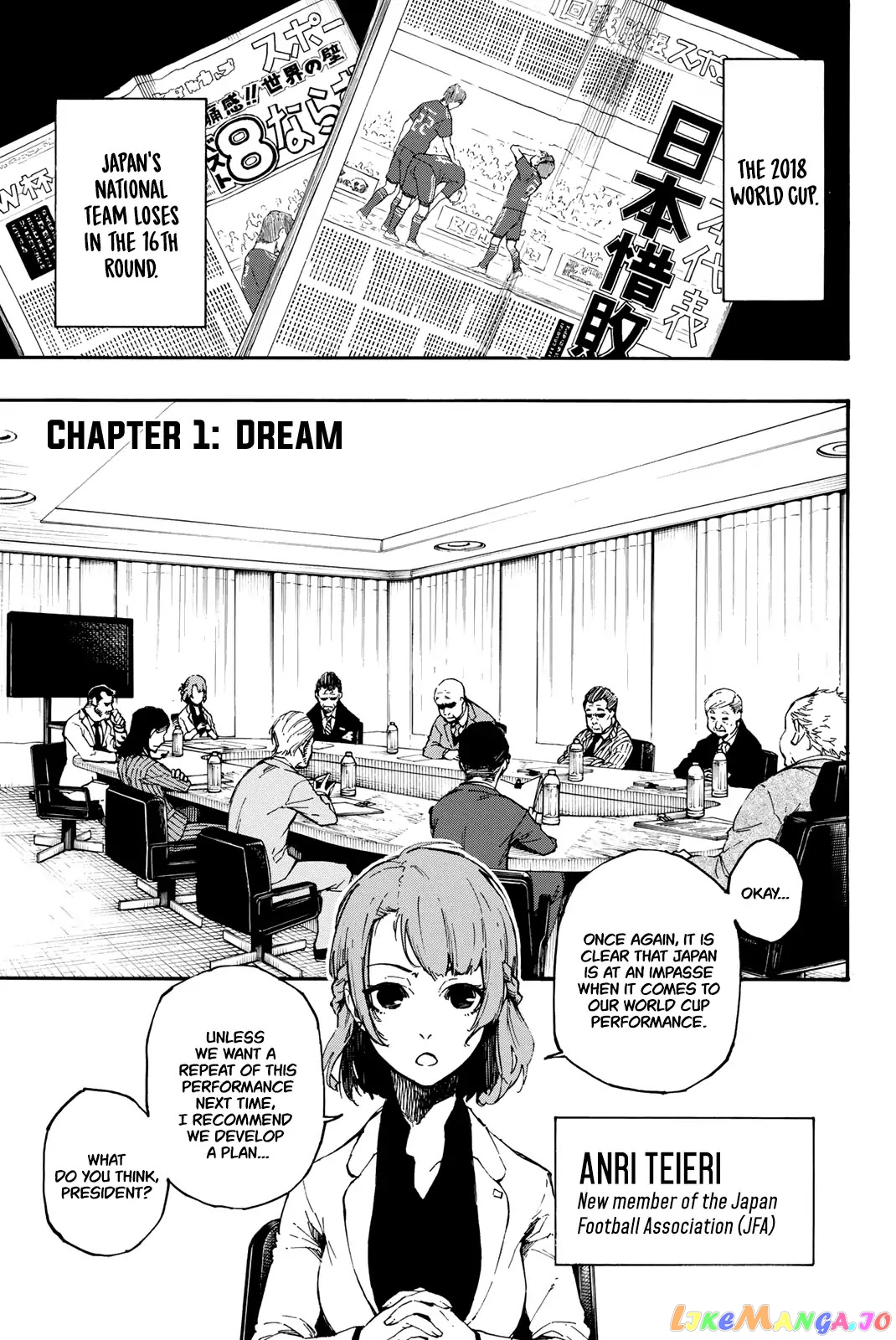
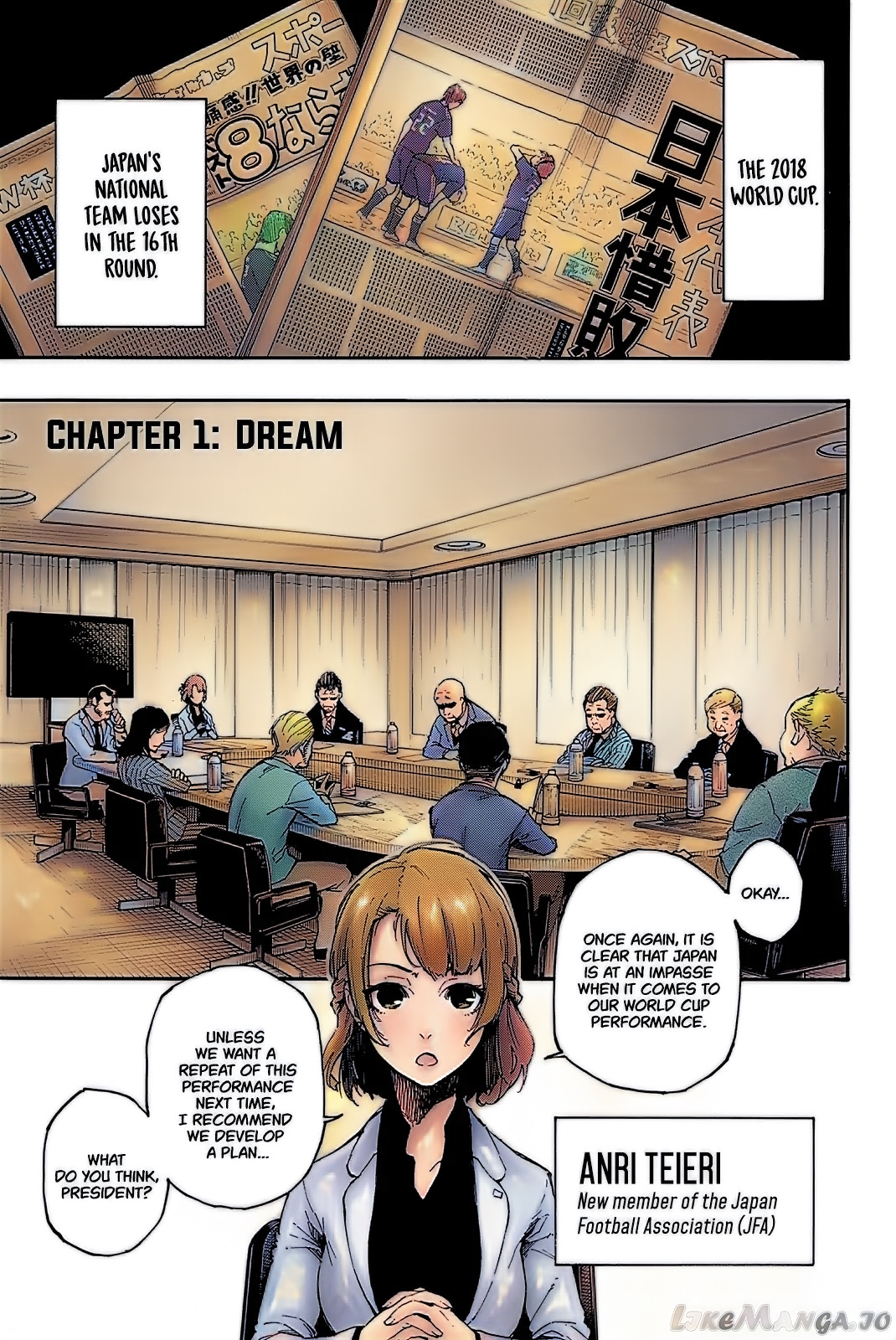
The same Blue Lock page before and after processing in the prototype.
Actual v0.5.3 prototype output. Blue Lock artwork by Yusuke Nomura, story by Muneyuki Kaneshiro; published by Kodansha. Shown to demonstrate the colorization tool.
Add color to manga in Safari, right where you’re already reading.
Manga Colorizer is an experimental Safari extension project for iPhone. The current prototype runs through the Userscripts extension and processes artwork on the device. It colors pages as you scroll, saves finished results locally, and lets you switch back to the original artwork.
I set the direction around a simple reading experience: no artwork uploads, no paid colorization service, and no separate computer needed while reading. I test the output and reading flow, then use that feedback to prioritize quality, speed, and phone stability.
A compact control panel starts or stops coloring, adjusts color strength, and restores the original pages.
Saved results can be revisited without running the model again. Processing pauses when the tab is hidden.
The prototype integrates a pretrained colorization model. Iteration focuses on keeping ink and dialogue readable while managing processing time and memory on a phone.
Start coloring. Keep scrolling. Return to the original whenever you want.
The panel keeps color strength, automatic processing, and the original-page toggle together. The capture shows the working controls in a local browser test.
New pages take time to process. Color consistency, speed, and compatibility across readers are still being refined; generated colors may differ from the manga’s official palette.
View the full capture